Business websites
Custom websites for companies that need stronger service presentation, lead generation, integrations and room to grow.
WEB & APP DEVELOPMENT
Build business websites, web applications, portals and mobile experiences around defined users, workflows and goals.
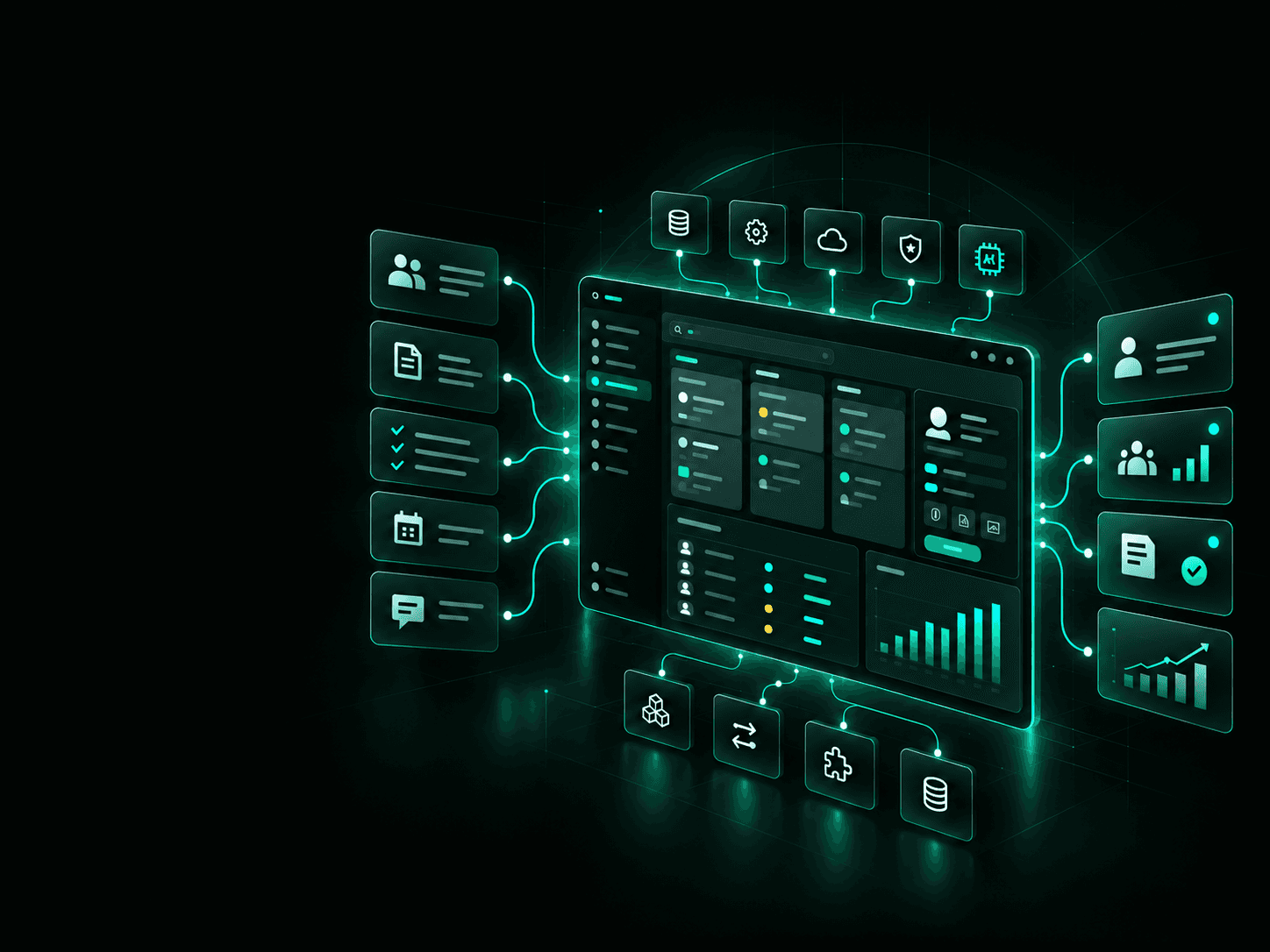
START WITH THE WORKFLOW
A website or application should make a specific task easier, faster or more reliable.
We start by understanding who will use the system, what they need to accomplish, what happens today, and where the current process creates delays, duplicated work or unnecessary steps.
Then we decide what should actually be built.
WEB & APP DEVELOPMENT
From public websites to internal business systems, we design and build digital products around the people, workflows and systems they need to support.
Custom websites for companies that need stronger service presentation, lead generation, integrations and room to grow.
Browser-based software for customers, employees, partners or other defined users.
Secure spaces where customers can access information, submit requests, upload documents, track activity or communicate with your team.
Custom systems for operations, administration, approvals, reporting, data entry and other internal workflows.
Early versions of software products built around the core workflow needed to test the product with real users.
Member accounts, gated content, subscriptions, directories, resources, events and account management.
Appointments, applications, registrations, questionnaires, payments, routing and automated follow-up.
Mobile experiences for workflows that benefit from device access, field use, notifications or location-based functionality.
Estimators, assessment tools, configurators, calculators and interactive tools that turn business logic into a usable digital experience.
Applications that use AI for tasks such as search, document processing, assistance, classification, summarisation or workflow support.
BUSINESS PROBLEMS
You may not need another software platform. You may need a better way to handle one important process.
Employees copy information between spreadsheets, email, forms and business systems.
Requests, documents, bookings and status questions all require employee involvement.
Your team works around the software instead of the software supporting the process.
People spend time finding, reconciling or re-entering the same information.
Important knowledge or steps live with individuals instead of inside a repeatable system.
You need a focused version that can be placed in front of customers before committing to a much larger build.
CHOOSING THE RIGHT APPROACH
The right choice depends on what people need to accomplish.
A website primarily helps people:
The emphasis is usually content, communication and conversion.
A web application lets users perform ongoing tasks such as:
Many projects contain both.
Your public website may attract the user, while a secure application handles the work that happens after they log in.
APPLICATION CAPABILITIES
The feature set depends on the workflow, users and business requirements.
Authentication, account management and role-based access for customers, employees, administrators and other users.
Applications, intake forms, approvals, task routing, status changes and multi-step processes.
Uploads, downloads, document storage, generated PDFs and structured document workflows.
Online payments, recurring billing, account plans and transaction records where required.
Operational views, activity history, KPIs, reports and administrative dashboards.
Email, SMS, in-app messages and alerts triggered by specific events.
Structured search across products, records, documents or company information.
Approved AI functionality can be added where it improves a defined task rather than simply adding AI to the product.
Connect the application with the systems already used by the business.
Manage users, content, workflows, permissions, settings and application data without editing code.
DELIVERY PROCESS
Define the users, business objective, current process, pain points and desired result.
Document requirements, workflows, integrations, data, permissions, assumptions, exclusions and priorities.
Create the information architecture, user flows, interface direction and key screens.
Develop the agreed functionality, integrations, database and supporting infrastructure.
Test functionality, responsive behaviour, permissions, workflows, integrations and common failure scenarios.
Deploy the approved version, configure the production environment and complete final launch checks.
Review usage, feedback and business needs before deciding what should be added next.
BUILD IN STAGES
Large software projects become expensive when every possible feature gets included before anyone knows which features users actually need.
We prefer to identify the smallest useful version that can solve the primary problem and put it into real use.
That may be:
Once the first version is working, additional functionality can be based on real usage and business priorities.
Build what proves the idea first. Expand after it creates value.
INTEGRATIONS
A useful application rarely operates alone.
It may need to exchange information with the systems already handling your customers, payments, communications, documents or operations.
Depending on the project, integrations may include:
The goal is not to connect everything.
We identify the integrations required for the workflow and add them where they remove manual work or improve the user experience.
Have another system? We can assess its API or integration options during scoping.
APPLICATION QUALITY
A working application needs more than functional screens.
Technical requirements are defined based on the people using the application, the information it handles and the level of risk involved.
Responsive interfaces, appropriate caching, optimised assets and architecture designed around expected usage.
Authentication, permissions, data protection, secure integrations and application controls appropriate to the project.
Interfaces can be designed and tested against agreed accessibility requirements, including recognised standards such as WCAG where required.
Logging, error handling, backups, monitoring and recovery requirements are defined according to the application.
Data collection and access should be limited to what the application actually needs, with requirements defined around the type of information being processed.
TECHNOLOGY APPROACH
We do not start a project by forcing the problem into a predetermined technology stack.
The architecture is selected based on factors such as:
Where an existing platform can solve the requirement effectively, we may integrate with it rather than rebuild the same capability.
Where custom development is justified, we build the required components around the workflow.
TECHNOLOGY
We work with established AI, cloud, development, data and infrastructure technologies. The stack is selected around your requirements, integrations, security needs, scale and long-term ownership.
Examples of technologies we can build with include:











PROJECT DELIVERABLES
The exact deliverables depend on the project, but a Web & App development engagement may include:
Projects should have defined deliverables, acceptance criteria and responsibilities before development moves into the main build.
CLIENT OWNERSHIP
Project ownership, access and responsibilities are defined before development begins.
Where applicable, the client should have access to the accounts and systems required to operate the completed solution.
This can include:
Any licences, subscriptions, third-party services or components that remain dependent on an outside provider should be identified during the project.
Intellectual property ownership and licensing terms should be documented in the project agreement.
SCOPING
Websites and applications vary significantly in complexity.
A public website, internal workflow tool and multi-user SaaS application require very different levels of design, development, infrastructure and testing.
Before development begins, we define the work around:
If requirements change during development, the effect on scope, schedule and cost should be agreed before the additional work begins.
START A CONVERSATION
You do not need a finished specification before contacting us.
Tell us what the user needs to accomplish, how the process works today and what you want the finished system to improve.
We can help determine the next practical step.
FAQ